Quick Setup Guide for NFS on the NAS
Install the NFS server on the NAS: apt update apt install -y nfs-kernel-server Configure the export: Open /etc/exports vim /etc/exports Add a line mapping your storage path to your PC's local IP ad
Software developer, Linux. Sharing and improving my writing skills, typos are mine.
Install the NFS server on the NAS: apt update apt install -y nfs-kernel-server Configure the export: Open /etc/exports vim /etc/exports Add a line mapping your storage path to your PC's local IP ad
When building a custom NAS or home server, one of the best architectural decisions you can make is to completely segregate your Operating System from your Data Storage. By installing Debian onto an ex
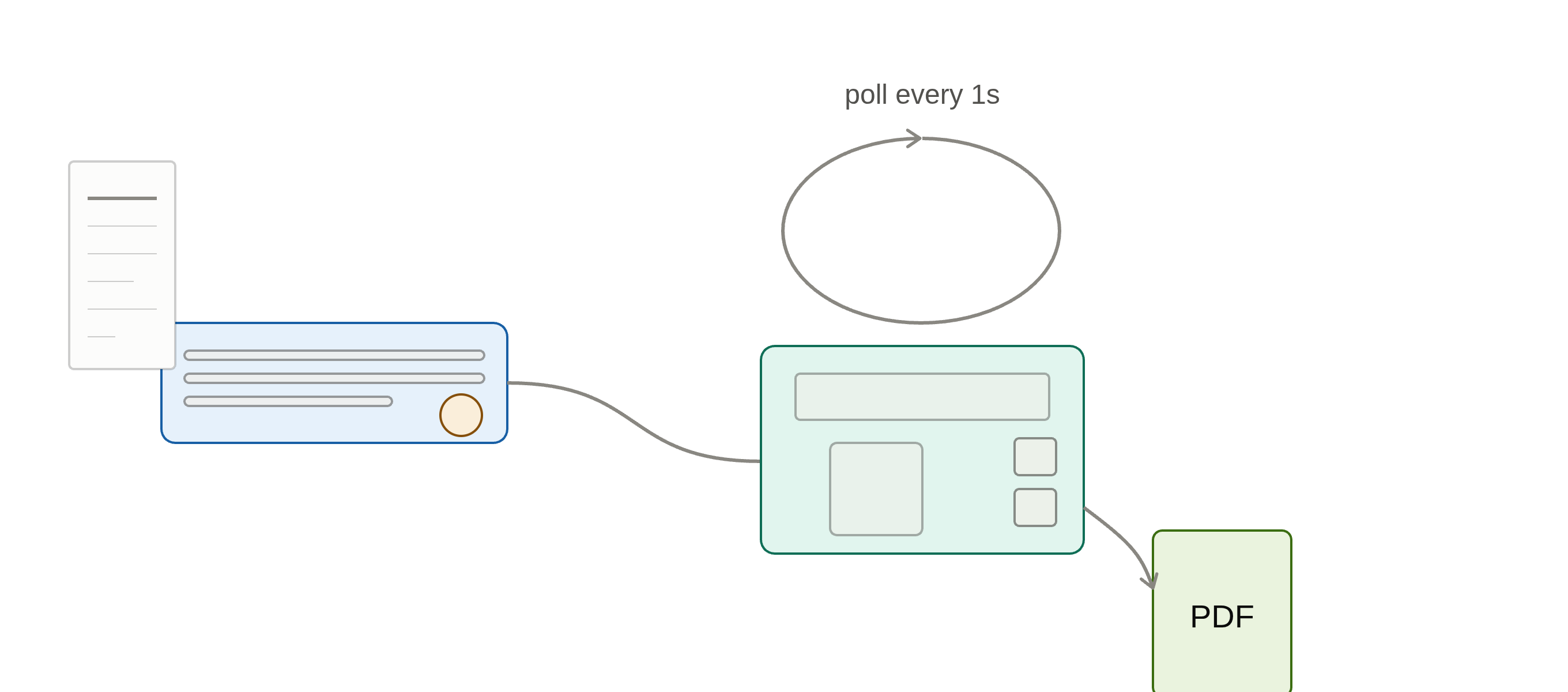
This picks up where the previous tutorial left off: the ES-50 now saves every inserted receipt as a PDF on its own, with no GUI or button-press detection involved. This part covers the other half — ru
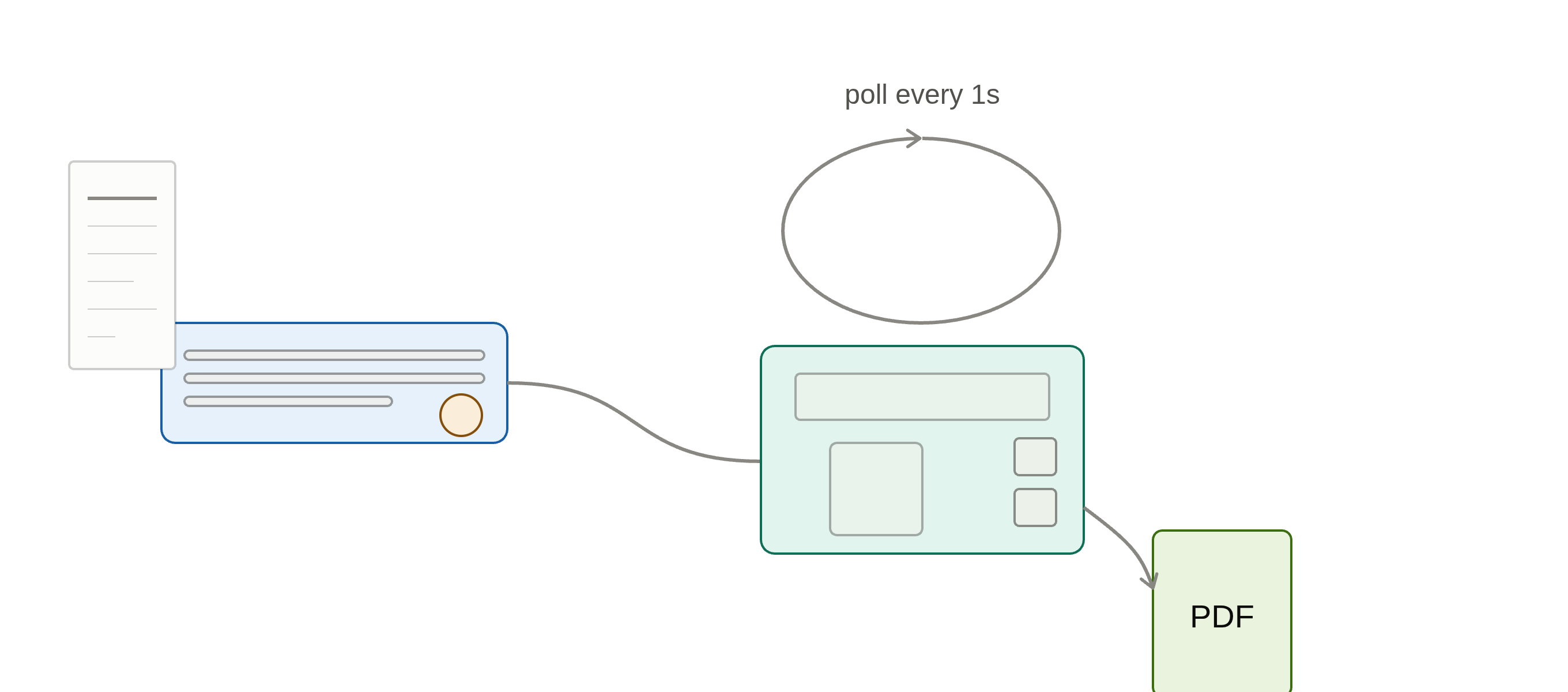
The Epson ES-50 is a tiny, USB-powered portable scanner with a single physical scan button and no screen — which makes it a good match for a Raspberry Pi acting as a dumb, always-on scan station. This
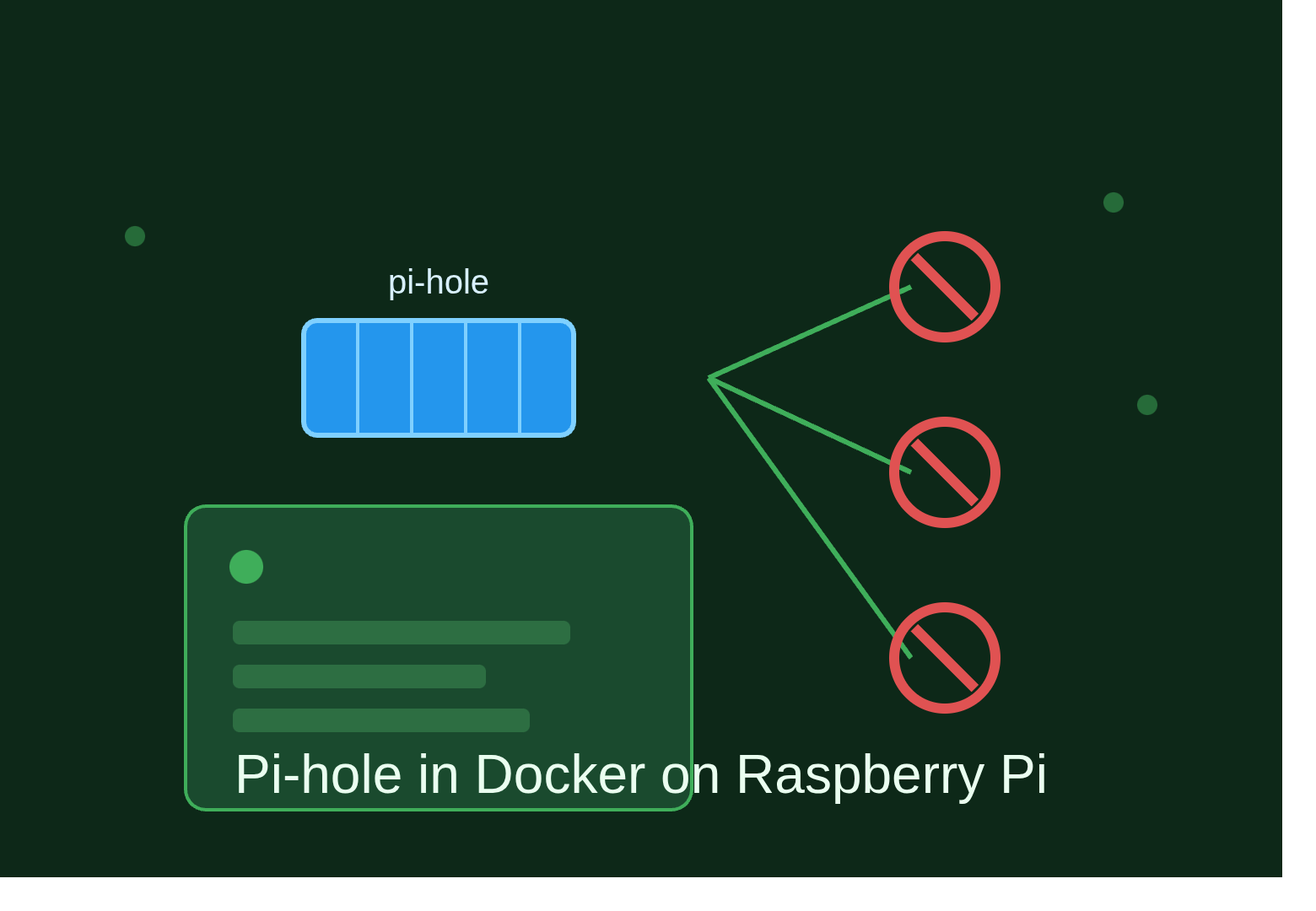
Pi-hole is a DNS sinkhole that blocks ads and trackers network-wide, without relying on browser extensions. Running it as a Docker Compose service on a Raspberry Pi keeps the setup self-contained and
Docker lets you run containerized services on a Raspberry Pi with clean isolation and easy updates, and Docker Compose lets you define and manage those services declaratively via a YAML file instead o
Running low on RAM but don't want to burn through disk-based swap? zram-tools sets up a compressed swap device that lives entirely in memory, giving you extra headroom without the latency hit of a tra

A step-by-step guide to running Ookla's official speed test from the terminal.

Collection of basic configurations.